IPTV Playlist Android Box Guide: Best Devices and Setup in 2026
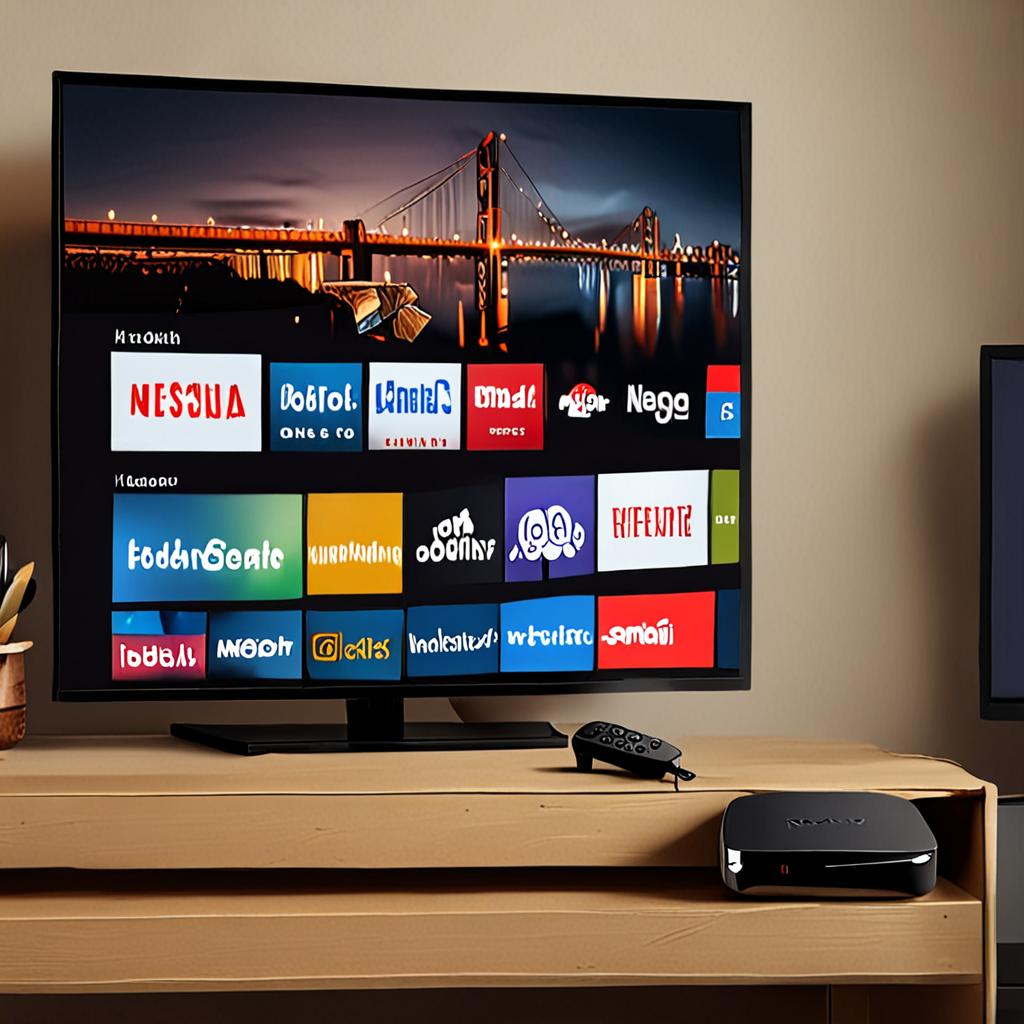
Android TV boxes have become the go-to devices for IPTV playlist users who want a dedicated, powerful streaming experience on their television. Unlike the Firestick, which is convenient but limited in processing power and storage, a quality Android TV box offers more RAM, faster processors, expandable storage, and the full Android app ecosystem without Amazon's restrictions. Choosing the right IPTV playlist Android box in 2026 means understanding which hardware specifications actually matter for IPTV and which features justify the price difference between devices.
This guide covers everything you need to know about using an IPTV playlist on an Android box. From comparing the best devices on the market to detailed setup instructions and performance optimization tips, you will have all the information needed to build the ultimate IPTV viewing setup.
Key Specifications for an IPTV Android Box
Not all Android TV boxes are suitable for IPTV playlist viewing, especially when handling large playlists with 29,500 plus channels and 4K streams. The specifications that matter most are RAM, processor, storage, video decoding capabilities, and network connectivity. Minimum requirements for a smooth IPTV experience in 2026 are 4GB of RAM, a quad-core processor with at least 2GHz clock speed, 32GB of storage, hardware decoding for H.265 and AV1, and gigabit ethernet.
RAM is particularly important for IPTV because the app needs to load and hold the entire playlist in memory, along with EPG data, channel logos, and the video buffer. A 2GB device can technically run an IPTV app, but it will struggle with large playlists, exhibit slow channel switching, and may crash during extended viewing sessions. 4GB provides comfortable headroom for smooth operation with even the largest playlists.
Best Android TV Boxes for IPTV in 2026
- NVIDIA Shield TV Pro: The premium choice with Tegra X1 Plus processor, 3GB RAM, 16GB storage, AI upscaling, Dolby Vision, Dolby Atmos, and gigabit ethernet. Best overall performance for IPTV and other streaming.
- Formuler Z11 Pro Max: Purpose-built for IPTV with its MyTVOnline 3 middleware, Amlogic S905X4 processor, 4GB RAM, 32GB storage, and advanced EPG features. Comes with an IPTV-optimized remote control.
- BuzzTV XRS 4900: Another IPTV-focused box with 4GB RAM, 128GB storage, Amlogic S922X processor, and a custom launcher designed for IPTV playlist management.
- Mecool KM2 Plus: A certified Android TV box with Amlogic S905X4, 2GB RAM, Netflix certification, and Google TV interface. More affordable option that handles IPTV playlists competently.
- Xiaomi TV Box S 2nd Gen: Affordable Google TV certified box with 2GB RAM and 8GB storage. Suitable for basic IPTV viewing but may struggle with very large playlists.
Android TV vs Android TV Box: Understanding the Difference
There is an important distinction between Android TV and generic Android boxes that affects IPTV performance and app compatibility. Android TV is the official Google-certified operating system designed for television viewing. It includes the Google Play Store with TV-optimized apps, Google Assistant, Chromecast built-in, and receives regular security updates. Devices like the NVIDIA Shield, Mecool KM2, and Xiaomi TV Box S run Android TV.
Generic Android boxes run standard Android, the same operating system as phones, adapted for TV use. They can access the full phone app ecosystem but lack Google TV integration and may not receive regular updates. Some IPTV-specific boxes like the Formuler and BuzzTV run custom Android builds optimized for their IPTV middleware. For most users, an Android TV certified device is the better choice for long-term reliability and app compatibility, though dedicated IPTV boxes offer specialized features that general-purpose devices lack.
Setting Up Your IPTV Playlist on Android Box
Setting up an IPTV playlist on your Android box is straightforward regardless of which device you choose. First, install your preferred IPTV player from the Google Play Store. TiviMate, IPTV Smarters Pro, XCIPTV, and OTT Navigator are all available for Android TV. If your chosen app is not in the Play Store, enable Unknown Sources in Settings, Security, and sideload the app using the Downloader app or a USB drive.
Open the IPTV app and add your playlist. For M3U connections, select Add Playlist or Add M3U URL, paste the M3U URL provided by your IPTV service, and give it a name. For Xtream Codes, select the Xtream Codes option and enter your server URL, username, and password. IPTVPlaylist provides both connection types with every subscription. The app will download the playlist data, import channels and EPG information, and present your organized channel list within a few minutes.
Optimizing Android Box Performance for IPTV
To get the best IPTV playlist performance from your Android box, start with the network connection. Always use a wired ethernet connection for IPTV streaming. Even the best WiFi introduces latency variability that can cause micro-buffering, especially with 4K content. Connect your Android box directly to your router with a Cat 6 ethernet cable for the most reliable connection.
Disable unnecessary background apps and services that consume RAM and CPU resources. Remove pre-installed bloatware that runs in the background. Set the display resolution to match your TV's native resolution, typically 4K at 60Hz for modern TVs. Enable hardware acceleration in your IPTV player settings to offload video decoding to the GPU. Keep the operating system and IPTV app updated to the latest versions for performance improvements and bug fixes.
For storage management, use the internal storage for the IPTV app and its cache data, and use an external USB drive or microSD card for recordings if your app supports them. Keeping at least 4GB of free internal storage ensures the operating system and apps run smoothly without storage-related slowdowns.
Remote Controls and Navigation
The remote control makes a significant difference in the IPTV viewing experience on an Android box. Standard Android TV remotes with directional pad, select, back, and home buttons work for basic navigation, but IPTV-optimized remotes with dedicated channel up and down buttons, number keys for direct channel entry, and shortcut buttons for EPG and favorites make the experience much more like traditional TV viewing.
The Formuler and BuzzTV boxes include purpose-built IPTV remotes with these features. For generic Android TV boxes, consider purchasing an air mouse remote that combines a traditional remote layout with gyroscopic mouse control for easier text entry and navigation. Alternatively, pair a Bluetooth mini keyboard for fast channel searching and URL entry.
IPTV Playlist Android Box vs Firestick
The choice between a dedicated Android TV box and an Amazon Firestick for IPTV ultimately comes down to budget and priorities. The Firestick is cheaper, more portable, and easier to set up, making it ideal for casual IPTV viewers and secondary TV setups. An Android TV box costs more but delivers faster channel switching, smoother 4K playback, better multitasking, and a more responsive interface, making it the better choice for your primary IPTV setup where you watch most of your content.
Many IPTV enthusiasts use both: an Android TV box on the main living room TV for the best experience and Firesticks on bedroom and kitchen TVs for convenient secondary access. IPTVPlaylist's multi-device support accommodates this setup perfectly, allowing simultaneous viewing across multiple devices.
Get Your IPTV Playlist Android Box Running Today
Whether you choose a premium NVIDIA Shield, a dedicated IPTV box like the Formuler, or a budget-friendly Mecool device, IPTVPlaylist delivers 29,500 plus channels with 4K streaming, 99.9% uptime, and full M3U and Xtream Codes support on every Android TV box. The comprehensive EPG data, organized channel categories, and multi-device support create the ultimate IPTV experience on any Android box.
Try IPTVPlaylist free for 24 hours on your Android box. Load the full 29,500 channel playlist, test 4K streams, explore the EPG, and experience the performance difference that a premium IPTV service delivers. No credit card, no commitment. Contact the IPTVPlaylist team via WhatsApp at +1 (559) 508-2154 to start your free Android box trial today.
Ready to Start Streaming?
Get instant access to 20,000+ live channels, 4K streaming, and 80,000+ movies and series.
View Plans & Pricing